decadv_2025_23
2025-12-23
Previous: [decadv_2025_22]
Index: [decadv_2025_init]
Got a bit of good work done today. Earlier this month I peered at niri's accepted pull requests and they finally got around to fleshing out the API that allowed programmers to access the width and position of a window within a scrolling window layout.
Essentially, that means that in niri, it is now possible to build a pager. So, I set out to do exactly that.
All of the data I ended up needing was provided by two commands: niri msg -j workspaces and niri msg -j windows. This gives most of the state of niri itself in json format, an array of objects, one for every window, below is an example:
  {
    "id": 9,
    "title": "~",
    "app_id": "kitty",
    "pid": 1554099,
    "workspace_id": 5,
    "is_focused": false,
    "is_floating": false,
    "is_urgent": false,
    "layout": {
      "pos_in_scrolling_layout": [
        2,
        1
      ],
      "tile_size": [
        1221,
        1038
      ],
      "window_size": [
        1219,
        1036
      ],
      "tile_pos_in_workspace_view": null,
      "window_offset_in_tile": [
        1,
        1
      ]
    }
What I ended up doing was acquiring the active workspace_id per monitor, filtering the given array by that, sorting by the first element in the pos_in_scrolling_layout array, and yielding a json object for every resulting window like this:
{
	"id": 9,
	"width": 1219,
	"focus": false
}
The resulting shell snippet that whittles the data down is as follows:
  # acquire the active workspace *id*.
  active_ws=$(niri msg -j workspaces | jq -r --arg m "$MONITOR" '
    .[] | select(.output == $m and .is_active).id
  ')

  # acquire relevant data for windows
  window_json=$(niri msg -j windows | jq -r --argjson m "$active_ws" '
      [[.[] | select(.workspace_id == $m and .layout.pos_in_scrolling_layout[1] == 1)] |
      sort_by(.layout.pos_in_scrolling_layout.[0]) | .[] |
      {id: .id, width: .layout.window_size[0], focus: .is_focused}]
  ');

  echo $window_json;
All that was left to do is to integrate the script into eww, and layout a bunch of boxes whose width depends on the output of the script.. and volia:
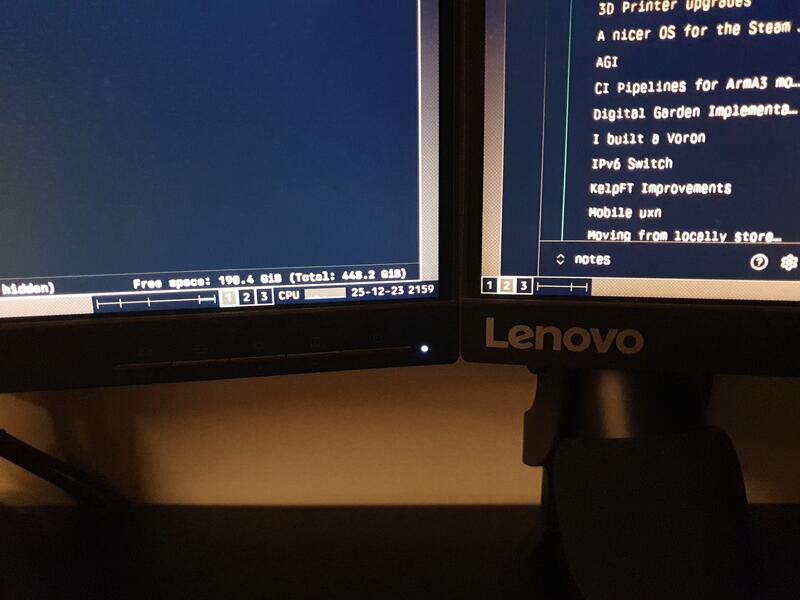
I've been wanting to make something like this for as long as I've been using niri. It's been about 7 months since I've [switched] to using it and the most frustrating bit was losing track of what windows I have open.
This should provide me with a quick visual indicator of where I am at in my desktop.
I am not sure if I'll be able to do much tomorrow as I'll probably be busy preparing for christmas. That, and i'll be away from my main computer, which means that if i'm to be developing anything, it will be on the x240 with openBSD.. which may be out of my comfort zone.. we'll see.
Incoming: [decadv_2025_22] [decadv_2025_29]